 App Store
 Google Play
Make it yours
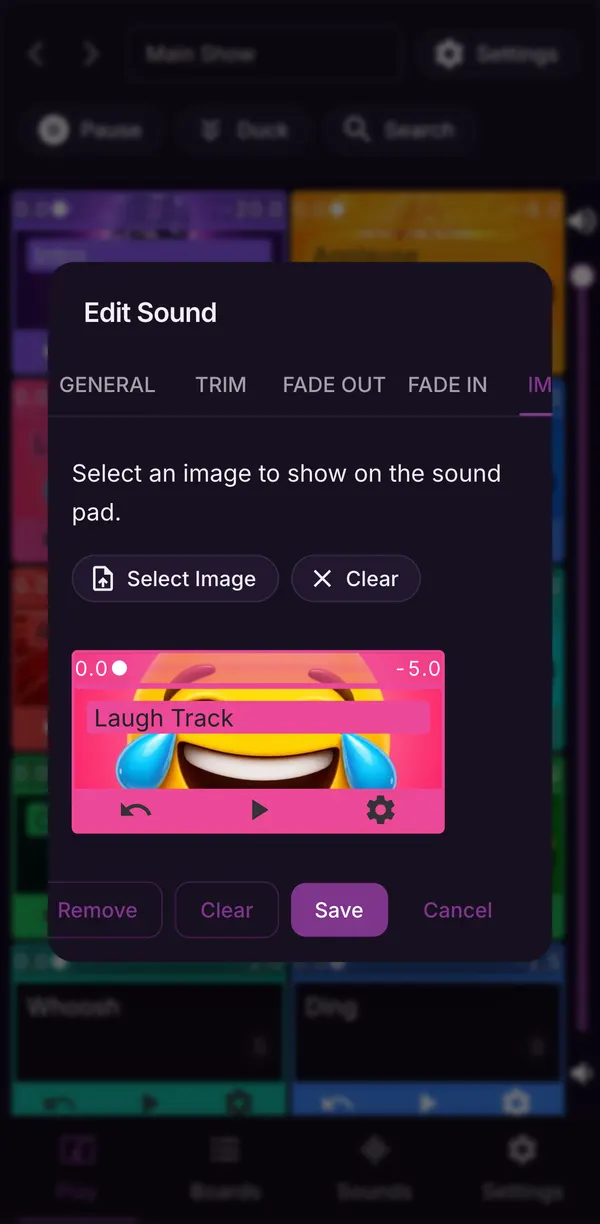
A picture on every pad.
Give each pad a picture and a colour so you can find it mid-show without reading a label.
- Pad pictures
- Colours
- Names
Edit
Precise control, by touch.
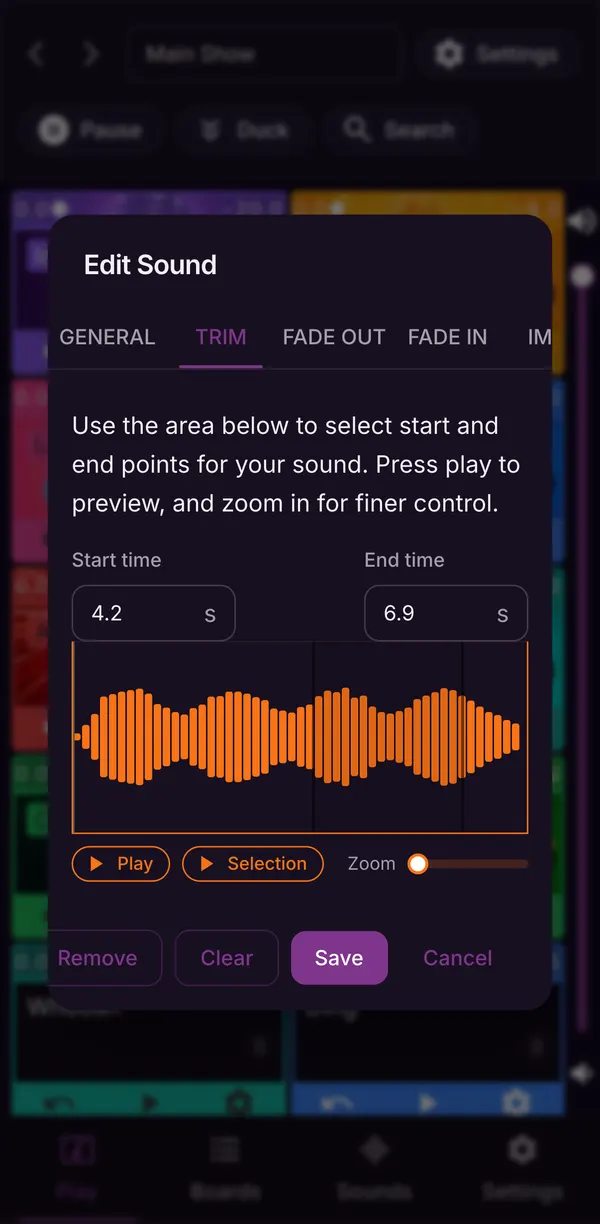
Trim a sound on its waveform, set fades and volume, loop it, or let it stack on every tap. Duck everything with one button when you need to talk.
- Trim
- Fades
- Loop
- Duck
Bring your boards
Bring boards from the web.
Build boards on the website, then link your web account in the app and download them for offline use. Once downloaded, the sounds are stored on your phone or tablet.
Everything in the mobile app
Built for live shows.
Trim
Pick the start and end of every sound on its waveform, zoomed in for the exact moment.
Fade in and out
Give each pad its own fades so music beds come in and leave smoothly.
Loop and multi-shot
Loop a music bed under a segment, or layer copies of the same effect on every press.
Duck
One button drops everything that is playing to a lower volume while you talk over it.
Volume per pad
Set levels for each pad, each board and the whole app, so nothing comes in too loud.
Colours and pictures
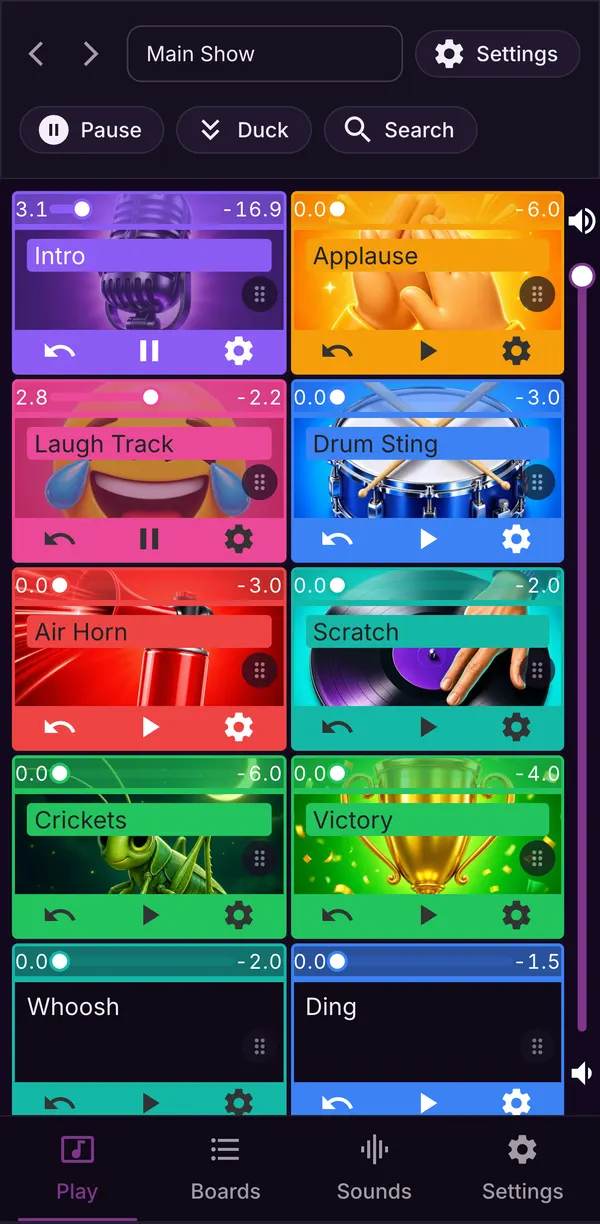
Colour-code pads and give them pictures to find the right one at a glance.
Voicy and Freesound
Search Voicy's clips from any of the apps, and Freesound from the website, and add a result as a pad.
Get it